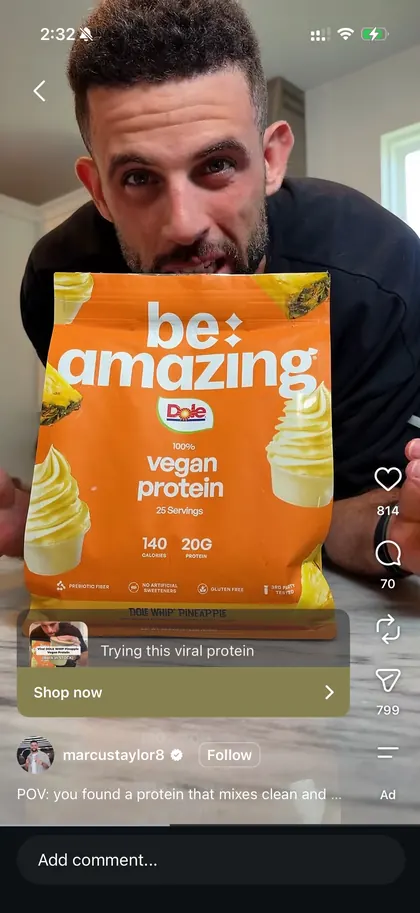
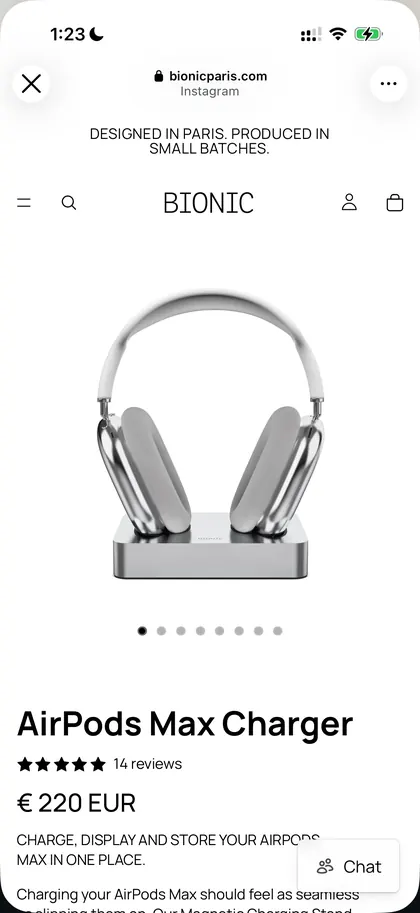
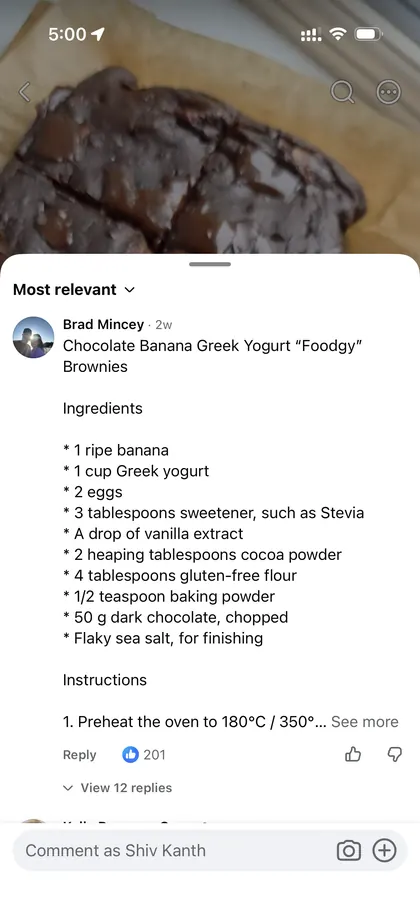
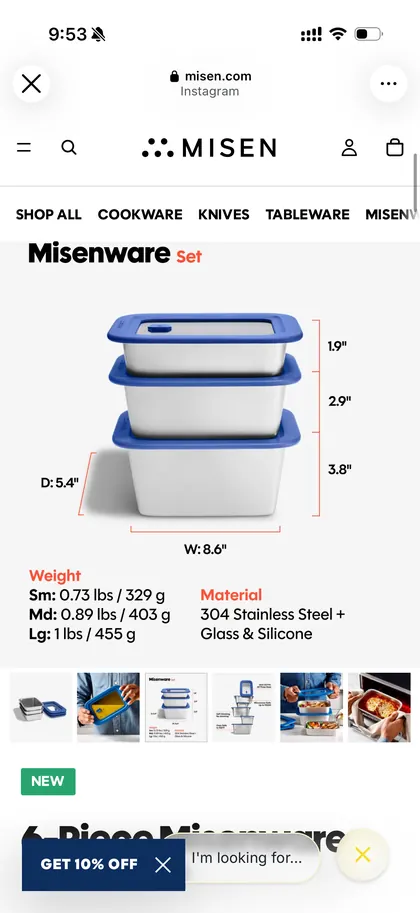
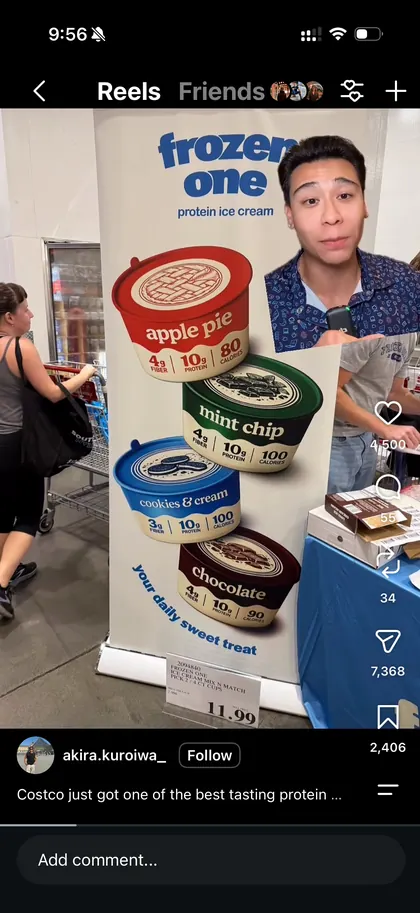
Find thatscreenshot.

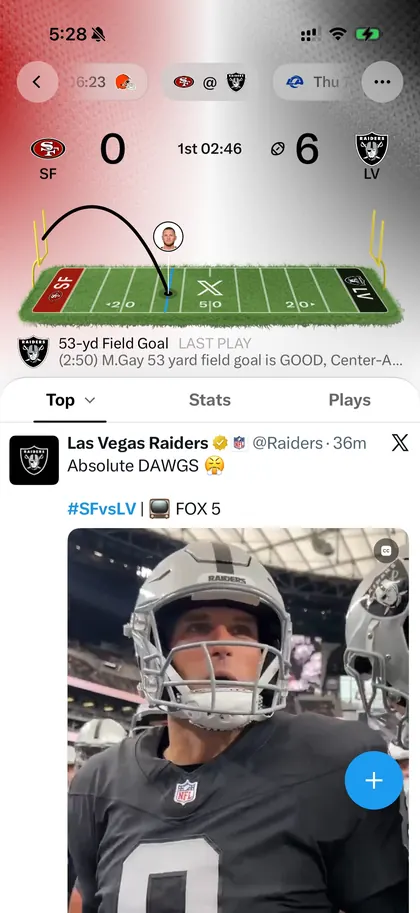
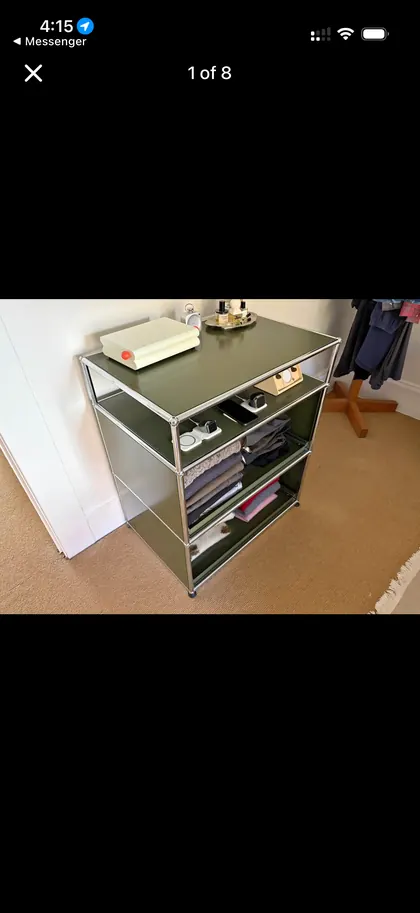
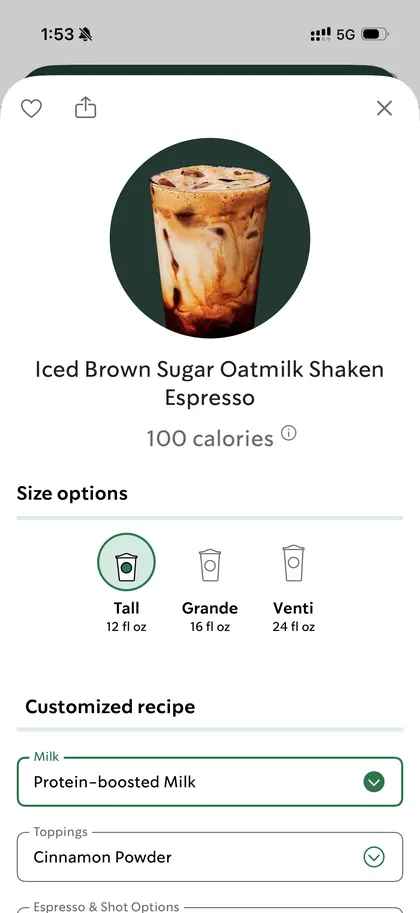
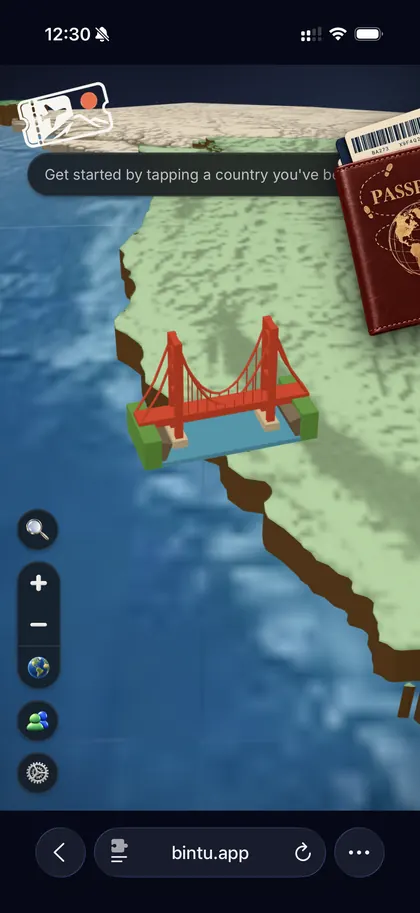
Cache pulls every screenshot out of your camera roll and files it by what it is. Recipes, tickets, that lamp you wanted. All on your iPhone.

100% on deviceNo accountFree betaiOS 18+

Your camera roll,
but sorted.

Real screenshots. Drag them around, tap one for a closer look, then let Cache sort them.

SocialShoppingTravelRecipesFitnessMessages

How Cache
works

01

Finds

It reads only your screenshots. The rest of your photos stay out of it.
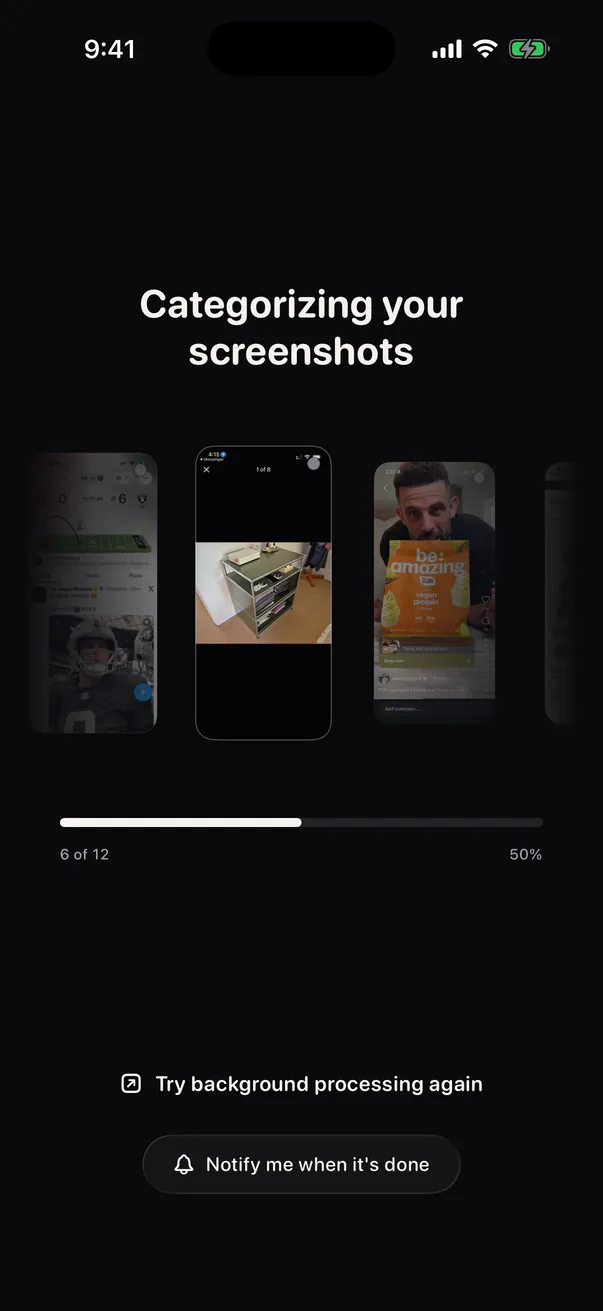
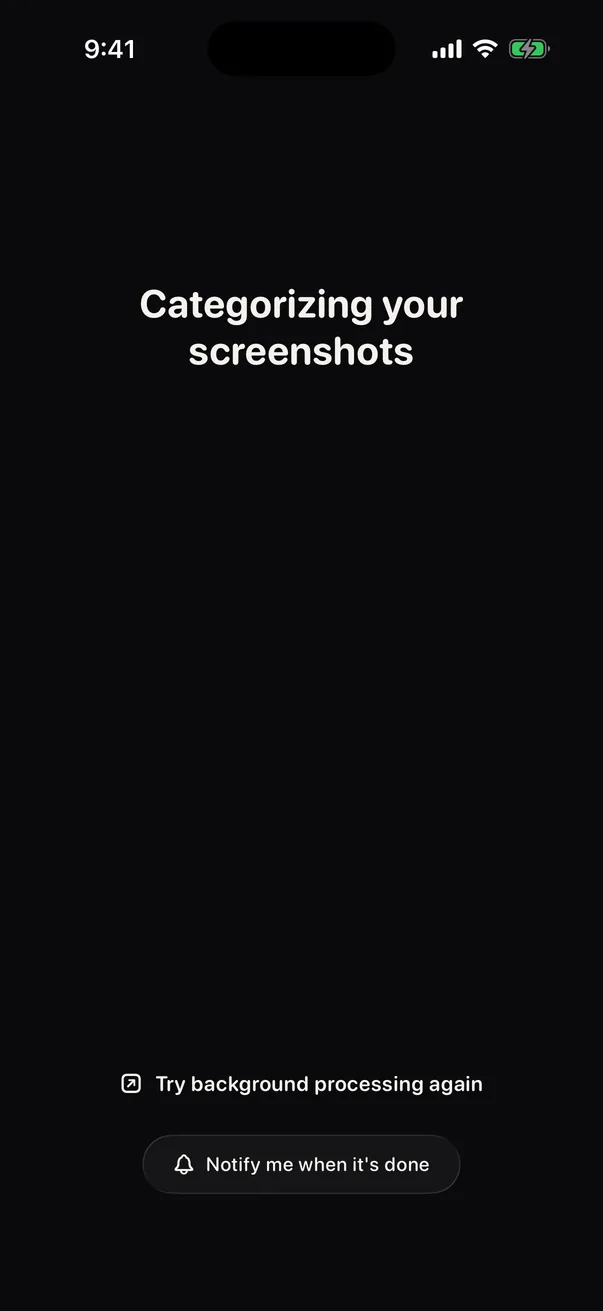
Cache categorizing screenshots on first launch
02

Sorts

Ten categories, picked on your iPhone. Fix one with a tap and it learns.
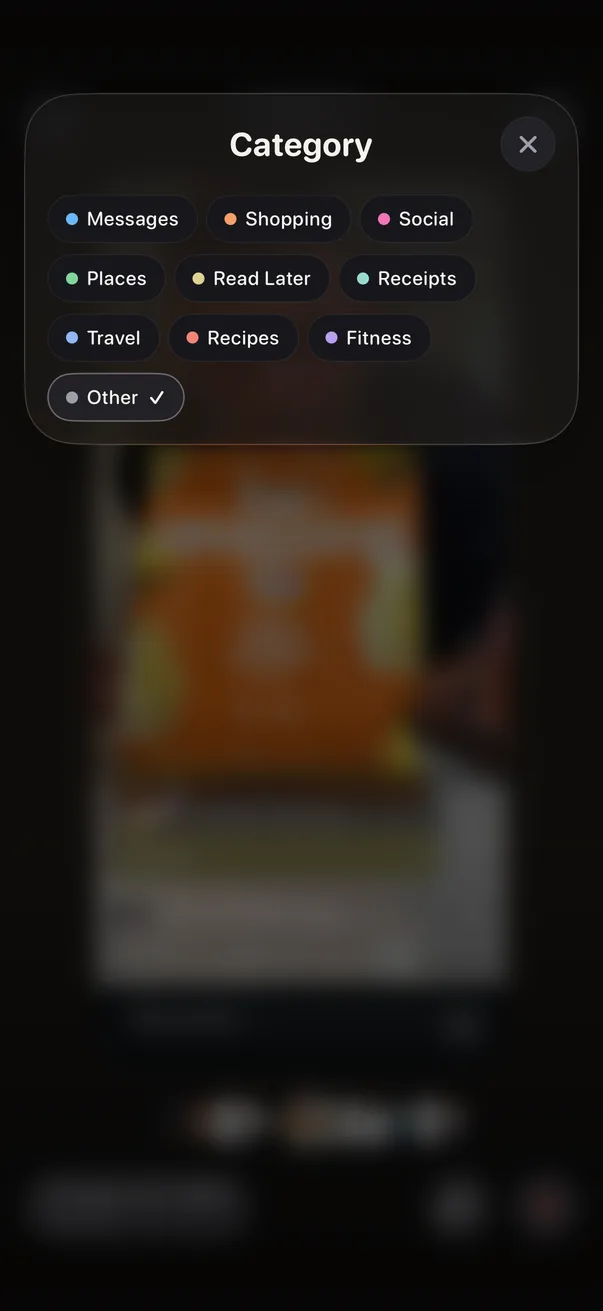
The category tray open over a screenshot
03

Reads

Text, links and actions, pulled out of every shot.
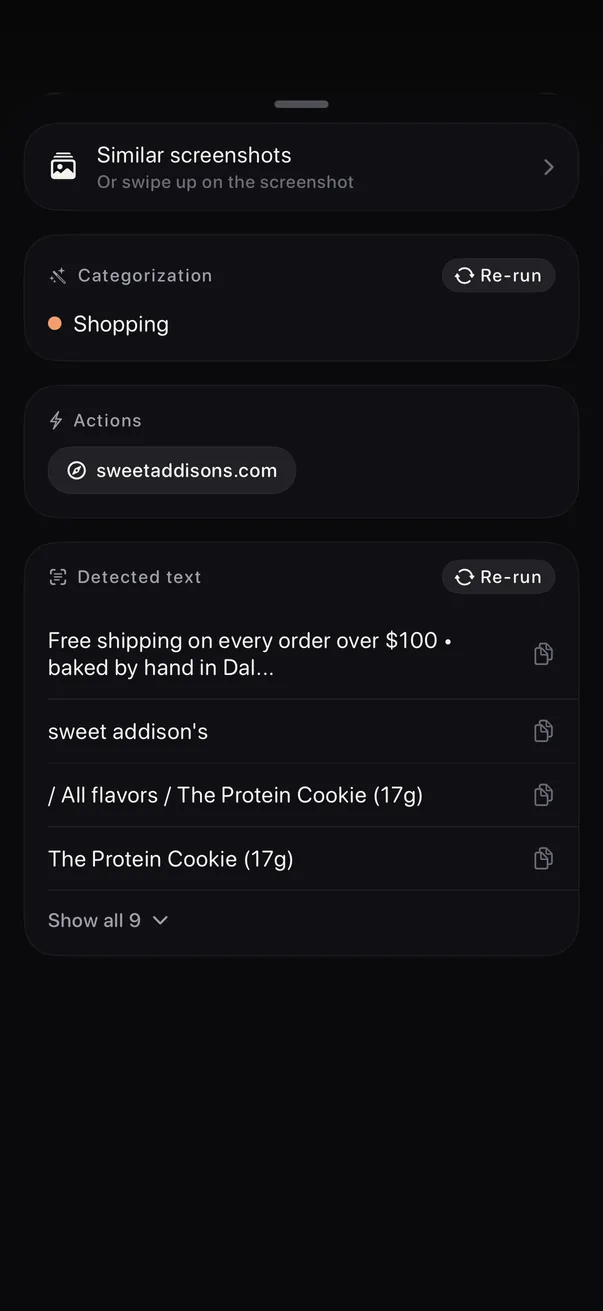
The details panel with categorization, actions and detected text

Pinch formore.Or less.

3 columns
Collections

Make your
own piles.

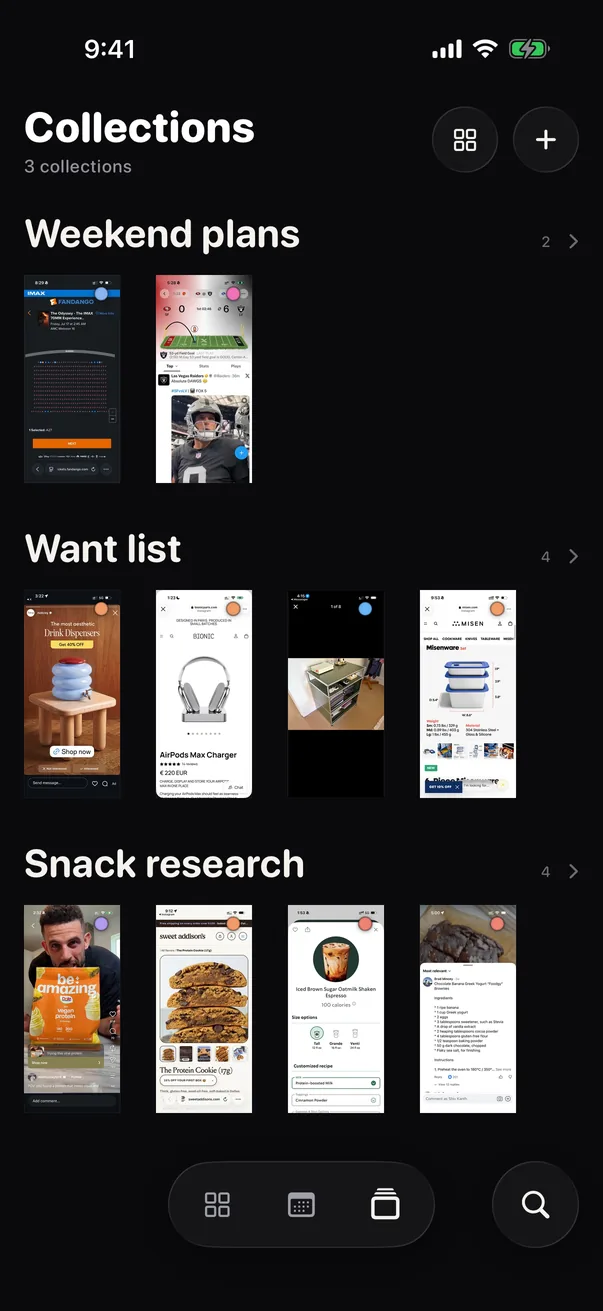
Group screenshots however you think: a trip, a wish list, a snack hunt.
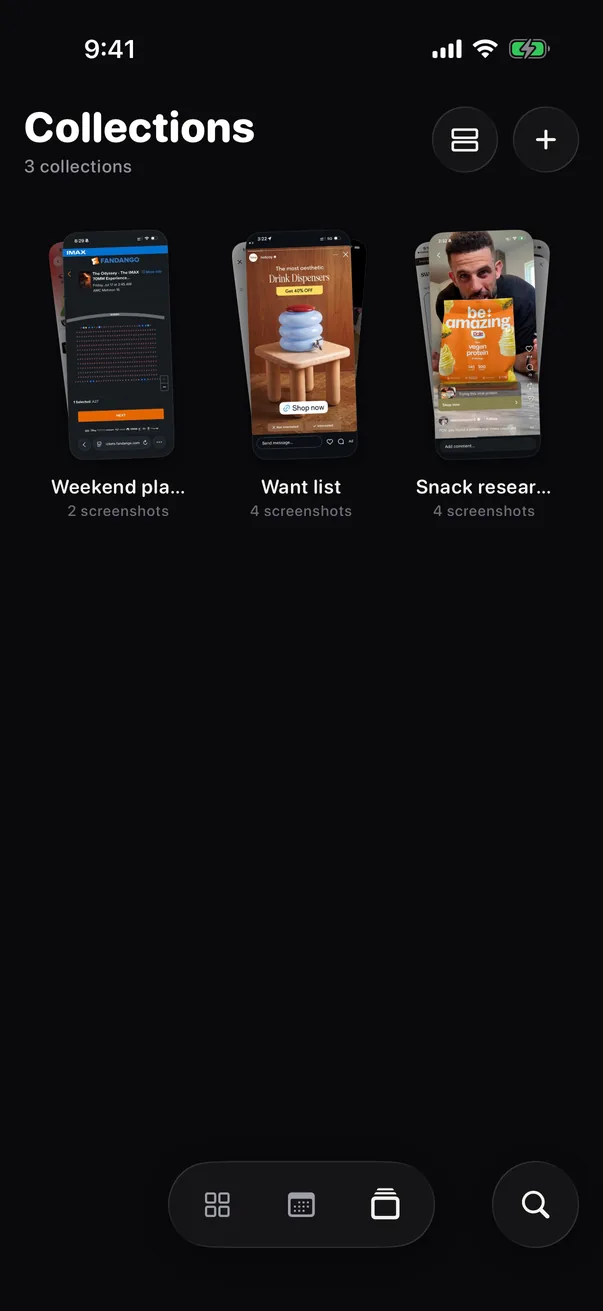
  • Two ways to look. Cards for what you have, strips for what's inside.
  • Fills itself. Turn on Automatically add and Apple Intelligence files new matches for you, on iPhones that have it.
Collections as cards: Weekend plans, Want list, Snack researchCollections as strips, each showing its screenshots
Weekend plansWant listSnack research

What you can
do with it

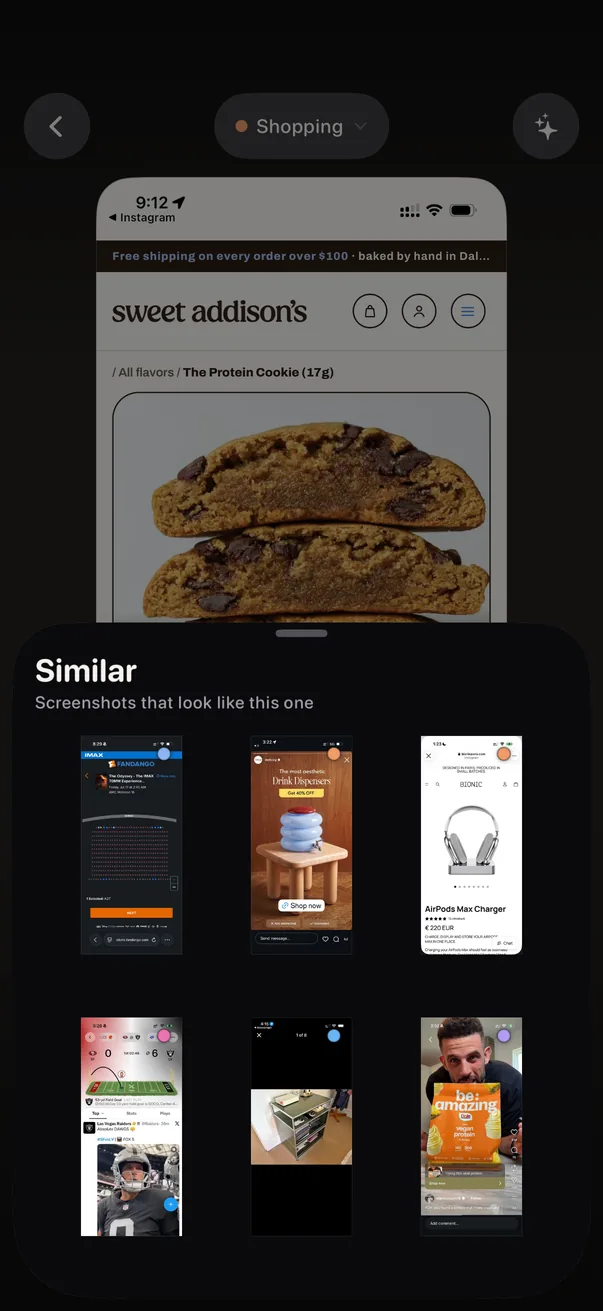
Similar screenshots sheet under a product page

Find the rest of them

Swipe up on any screenshot to see the ones that look like it.
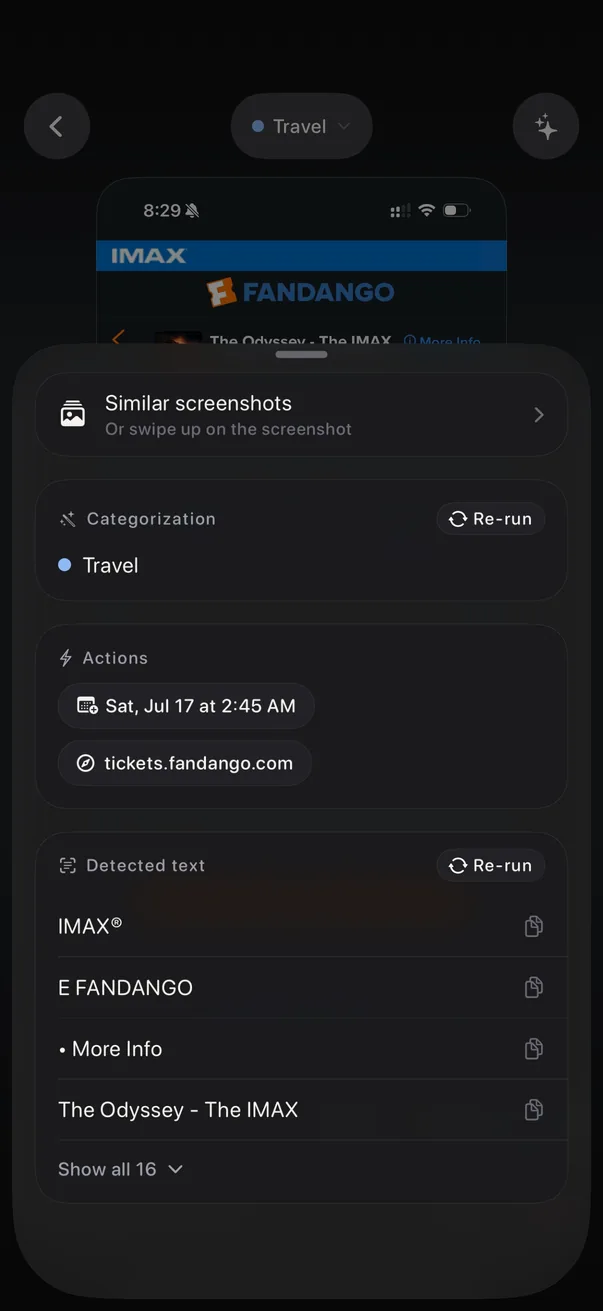
Actions for a movie ticket: the showtime and the ticket link

Dates and links, ready to tap

Tap the sparkle and Cache pulls out the showtime, the link and the text.
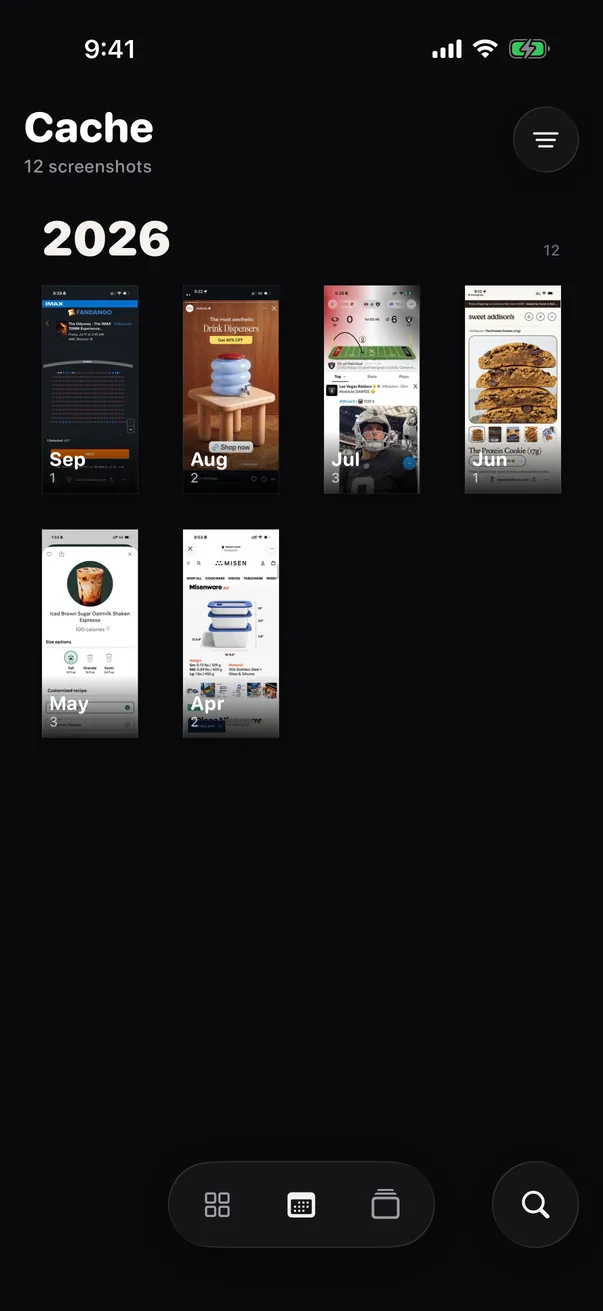
The calendar view with months from April to September

Month by month

Browse your screenshots by month, each with its own cover.
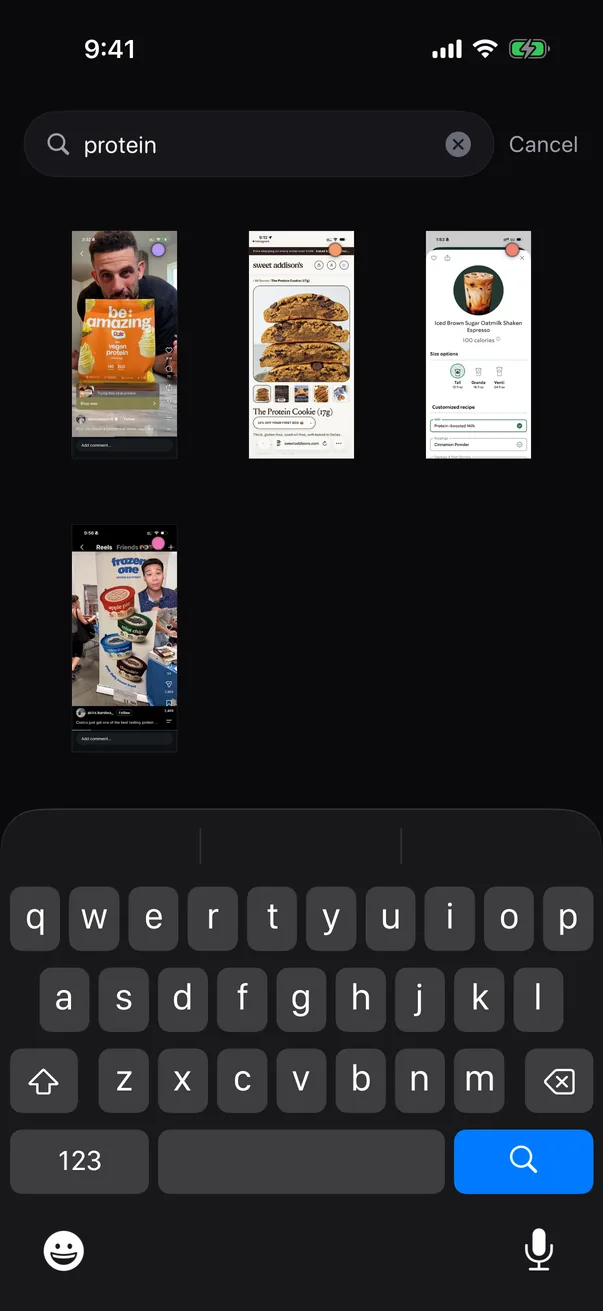
Searching for protein in Cache

Search what's in them

Type protein. Get the protein.

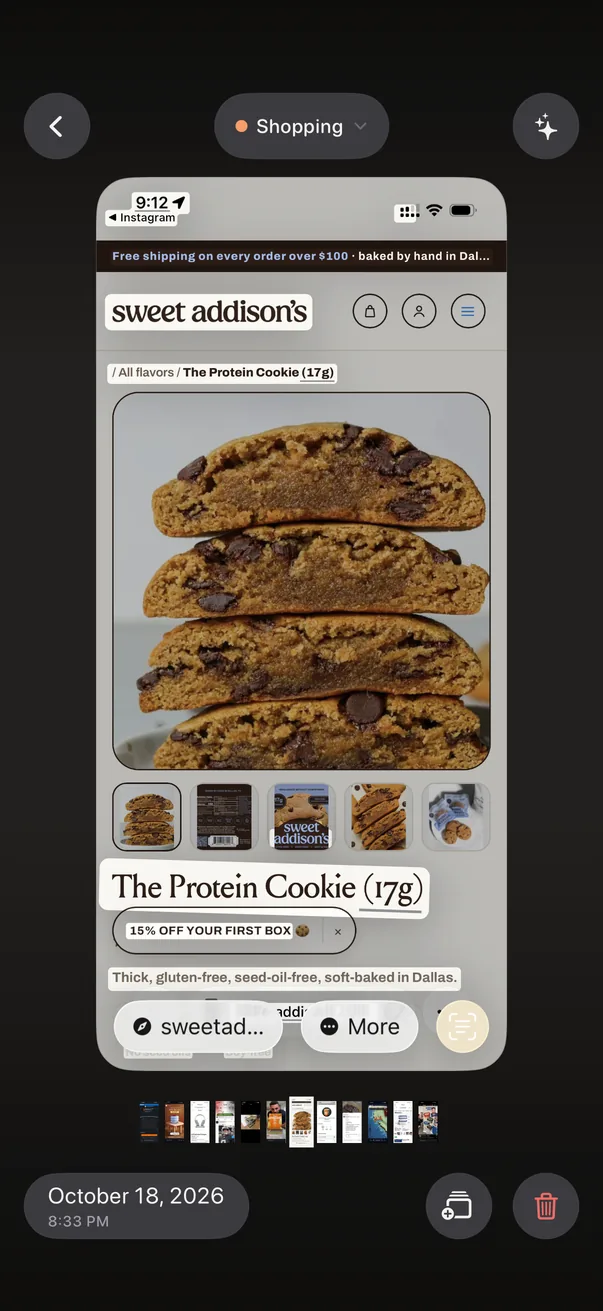
Live Text highlighting text on a product page

Copy right off the screenshot

Live Text lifts words, links and dates straight out of the image.
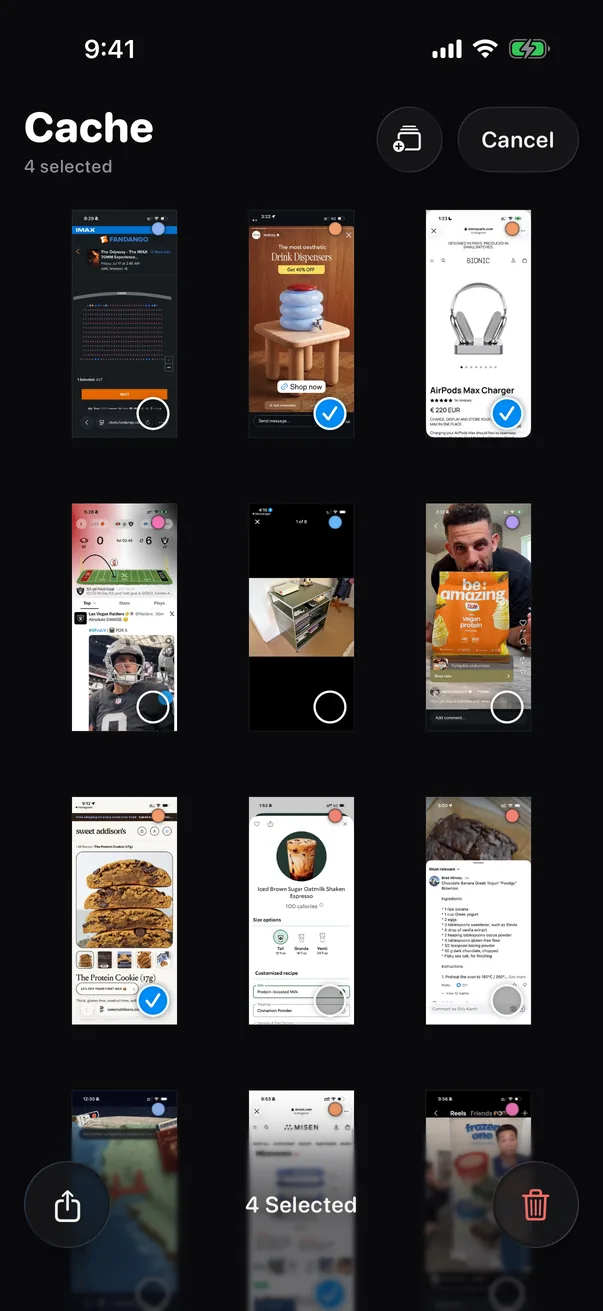
Four screenshots selected in the library

Clean up in bulk

Select a few, then share them, collect them or delete them.

No servers. No account. No uploads. Your screenshots never leave your iPhone.

Is it safe?
Let's flip it over.

The whole story is on the privacy page.